Amazon product listing optimisation is the ongoing work of improving a listing so it wins the click in search and wins the sale on the page. It starts with a data audit to find whether click-through or conversion is weak, then fixes the main image, gallery, A+ Content and copy against a keyword map, in that order.
Most Amazon listings get written once, at launch, usually in a rush, and then sit untouched while the category moves on around them. Eighteen months later the seller is paying more per click, ranking lower for the same keywords, and blaming the algorithm. The algorithm did not change. The listing just stopped earning its position.
We run our own brands on Amazon at CVR Studios, so listing optimisation is not a service we learned from a course. It is what we do to our own products when conversion dips, and what we have now done for 125+ Amazon brands. This guide is that process, in the order we actually run it, including the part most guides skip: how to know which problem you have before you start fixing things.
One piece of framing first, because everything else hangs off it. A listing has exactly two jobs: win the click and win the sale. Click-through rate is decided in search results, by your main image, title, price, and review count. Conversion rate is decided on the product page, by your gallery, A+ Content, bullets, and reviews. Every change you make moves one of those two numbers. If you do not know which number is broken, you will spend a month polishing the wrong half of the listing.
Step 1: Audit before you touch anything
The first thing we do on any listing job is nothing. No rewriting, no new images. We pull the data and diagnose.
From Seller Central that means Search Query Performance, to see which queries you appear for, your impression share, and crucially your click share versus the niche. It means sessions and unit session percentage from Business Reports, so you can put a number on conversion. And it means your sponsored ads search term data, because ad CTR and CVR by keyword tell you how the listing performs when traffic is guaranteed.
What you are looking for is the split. Plenty of impressions but a click share below the niche average is a search-results problem: main image, title, price. Healthy clicks but a conversion rate stuck under your category norm is a product-page problem: gallery, A+ Content, reviews, or a mismatch between what the click promised and what the page delivers. Most sellers skip this step and go straight to rewriting bullets, which is usually the lowest-impact lever on the entire listing. Diagnose first. It changes everything you do next.
Step 2: Map the keywords before writing a word
Keyword research for a listing is not a brainstorm. It is building one master list of every query with real volume and real relevance to your product, then assigning each term a home before any copy gets written.
We build that list from reverse-ASIN data on the top ten competitors, Brand Analytics, and your own Search Query Performance, then cut it hard. Relevance beats volume every time. A high-volume term you are only loosely relevant for will tank your CTR, and Amazon reads poor CTR as a signal to stop showing you for that query. Better to fully own two hundred searches a month than to be ignored on twenty thousand.
Then the mapping: the highest-priority root goes in the title, supporting terms and long-tails go in the bullets and description, and everything left over, synonyms, common misspellings, regional variants, goes in backend search terms. One home each, no duplication. The keyword map becomes the spec the copy is written against, which is why it has to exist before the copy does.
Step 3: Rebuild the main image first
If the audit shows a click problem, the main image is the highest-leverage fix on Amazon, and it is not close. It occupies most of the pixels you get in search results, and it is the only asset every single shopper sees before deciding whether you exist.
The test we use is brutal and simple: shrink the image to thumbnail size, drop it into a screenshot of page one for your main keyword, and ask what a shopper sees in half a second. Can they read the product name on pack? Can they tell the size or count? Does anything about it separate you from the nine near-identical products around it? On most listings we audit, the honest answer is no to all three.
Fixes that move CTR in practice: making the product physically larger in the frame, redesigning pack so the key claim is legible at 200 pixels, showing count or volume visually rather than in text, and using colour blocking that breaks the pattern of the page. All of it within Amazon's image policy, white background included. You do not need tricks; you need a main image designed for the search results page it actually lives on, rather than for a brand deck.
Step 4: The gallery is your sales page
Most shoppers, especially on mobile, never read your bullets. They swipe the image stack, skim the reviews, and decide. So the gallery has to carry the entire sales argument on its own.
The raw material for that argument is not in your head, it is in the reviews. We mine the top competitors' reviews, positive and negative, for the objections and desires buyers state in their own words: the supplement that upset stomachs, the bottle that leaked in a gym bag, the flavour nobody could finish. Each of the first three gallery images then takes one objection and kills it visually. Benefits before features, one idea per image, text large enough to read without pinch-zooming.
This is where design quality stops being cosmetic. An infographic with a clear hierarchy and one message outsells a cluttered one making six points, every time we have tested it. You can see the standard we work to in our listing image portfolio; the structure matters more than the polish, but on page one you need both.
Step 5: A+ Content, and what it actually does
A+ Content is the branded module section below the fold, available to Brand Registered sellers, with Premium A+ unlocking larger modules and video. Used properly it is a conversion asset: it answers the remaining objections, tells the brand story, and uses a comparison chart to keep shoppers choosing between your products instead of leaving for a competitor's.
One thing to be clear-eyed about, because agencies routinely oversell it: A+ Content does not directly improve your search ranking. Amazon does not index A+ body text the way it indexes your title and bullets. What it does is lift conversion, and sustained conversion lifts sales velocity, which is what actually moves rank. The benefit is real but it arrives through sales, not through SEO. We have covered the module-by-module build in our A+ Content guide, so here the point is simply where it sits in the sequence: after the gallery, because the gallery gets seen first and more often.

Step 6: The copy: title, bullets, backend
Now, and only now, the copy gets written, against the keyword map from step two.
Title. Front-load it. Your priority keyword and the most decision-critical facts, count, size, key benefit, belong in the first 60 to 80 characters, because that is all mobile shows before truncating. Brand first if your brand carries weight in the niche, keyword first if it does not yet. No pipe-and-dash keyword salads; they read as spam to shoppers and increasingly to Amazon.
Bullets. Each bullet earns its place by answering a real buyer question, sourced from the same review mining as the gallery. Lead with the benefit, support with the proof, work the mapped keywords in naturally. Five walls of text get skimmed past; five sharp, scannable answers get read.
Backend search terms. Fill the byte limit with terms that are nowhere else on the listing: synonyms, misspellings, related use cases. No repetition of words already in your title or bullets, no commas needed, no competitor brand names.
There is also a newer reason to take copy seriously: it now has a second audience. Amazon's Rufus and Alexa shopping answer buyer questions by reading listing copy, and a listing that states facts plainly gets surfaced where a vague one gets skipped. We have written up what that means in practice in our guide to AI shopping assistants on Amazon.
Step 7: Test, measure, iterate
An optimised listing is not a deliverable, it is a baseline. The work after launch is what separates a one-off lift from a compounding one.
Brand Registered sellers get Manage Your Experiments free in Seller Central: real split-testing of main images, titles, bullets, and A+ Content against live traffic. Use it, one variable at a time, and let tests run two to four weeks so you are reading a real result rather than noise. Between tests, judge everything against three numbers: conversion rate against your category benchmark, organic rank on your mapped keywords, and ROAS, because a listing that converts better makes every ad pound work harder.
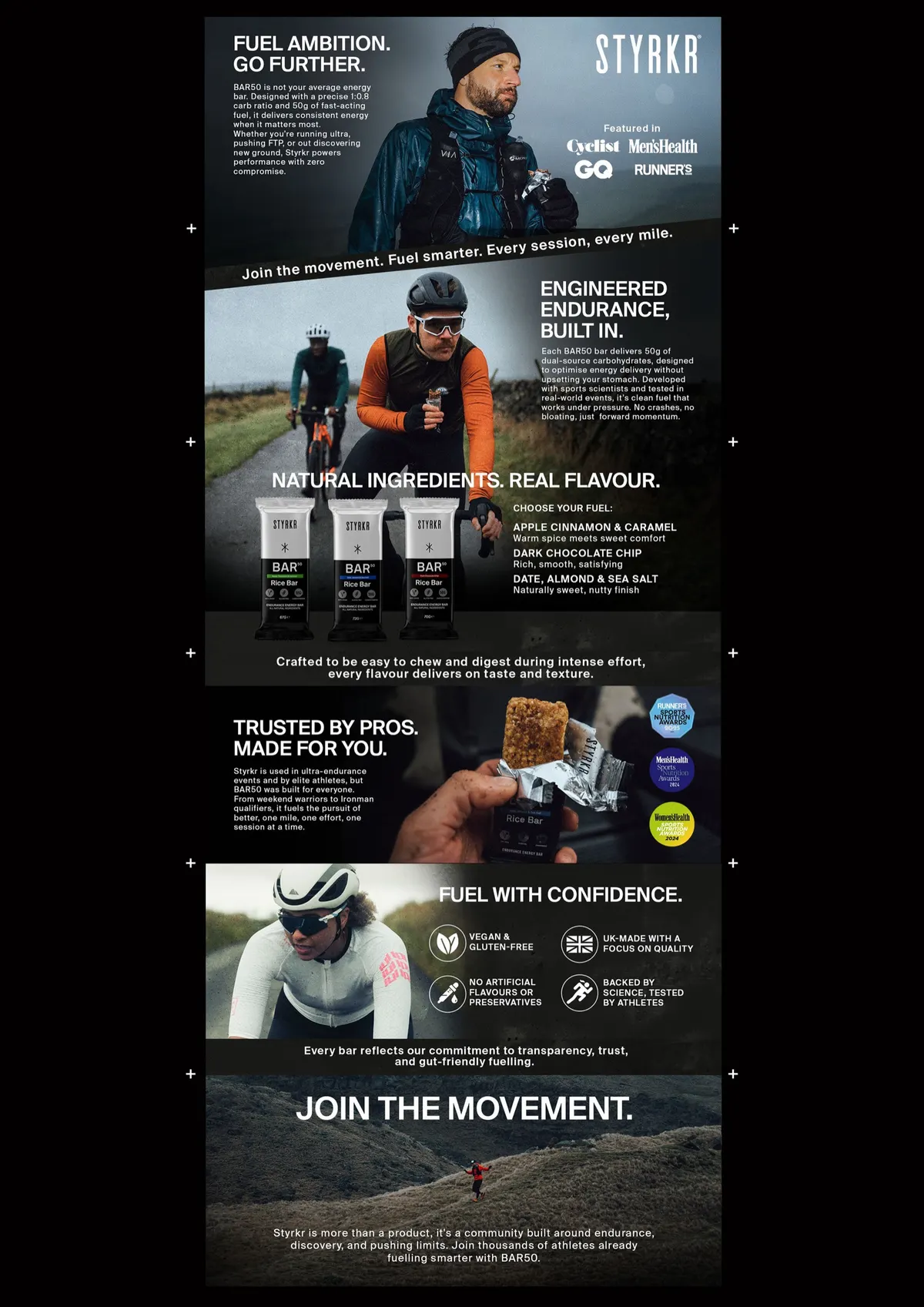
This loop is where the published results on this site come from. For STYRKR, a full listing re-design, main image, gallery, A+ Content, copy, delivered a +55% conversion lift in six weeks. For Awesome Supplements, a listing re-build drove +50% revenue in 90 days. Neither was a single clever change; both were the sequence above, run properly, then iterated.
The order is the method
If you take one thing from this guide, take the sequence. Audit, keyword map, main image, gallery, A+ Content, copy, test. Each step feeds the next: the audit tells you where the leak is, the keyword map tells the copy what to say, the review mining tells the images what to show, and the testing tells you whether any of it worked. Sellers who cherry-pick one step get one step's results. The compounding happens when the listing is rebuilt as a system, which is exactly why we never quote for "new bullets" on their own.

Listing optimisation FAQ
How long does Amazon listing optimisation take to show results?
Click-through rate moves within days of a main image change, because search impressions are immediate. Conversion rate needs two to four weeks of session data before you can trust the read, and ranking follows conversion with a lag. Our STYRKR re-design showed its +55% conversion lift over six weeks, which is a realistic window for a full rebuild.
What should I fix first on an underperforming listing?
Whatever the data says is broken, which is why the audit comes first. If impressions are fine but clicks are low, fix the main image and title. If clicks are fine but sales are not, fix the gallery and A+ Content. If both are low, you likely have a keyword relevance problem and the keyword map is the starting point. Guessing is how sellers spend three months on bullets nobody reads.
Does A+ Content improve search ranking?
Not directly. Amazon does not index A+ body text for search the way it indexes titles and bullets. A+ Content lifts conversion, and sustained higher conversion lifts sales velocity, which is what improves rank. The benefit is real but indirect, and any agency telling you A+ is an SEO play is overselling it.
How often should I update my Amazon listing?
Review the data quarterly and act when it tells you to: a slipping click share, a new competitor reshaping page one, or seasonal search behaviour are all triggers. What you should not do is churn the listing constantly, because every major edit resets your learnings and can disturb indexing. Stability between deliberate, measured changes beats continuous tinkering.
Can I optimise my listing myself, or do I need an agency?
The copy and keyword work, honestly, you can do yourself with Seller Central data and patience, and this guide is the process. The bottleneck for most sellers is the visual work: main images, infographics, and A+ Content that compete on a page one full of professionally designed listings. That is design and conversion craft more than effort, and it is the half we get hired for most.
Find out where your listing is leaking sales
We will run the same audit from step one on your listing, the one we use on our own brands, and tell you straight whether you have a click problem or a conversion problem, and what we would fix first. No charge, no obligation, no fluff.